Key Concept
Your DevSecOps pipeline already generates valuable security evidence. SBOMs document software dependencies. Git repositories identify source, versions, and ownership. Helm charts and deployment manifests describe how software is configured and released. Kubernetes and GitOps activity provide additional evidence about where those releases are running.
The problem is that much of this information is used during the pipeline and then left behind.
Operationalizing DevSecOps data means capturing this evidence as software moves from build through deployment, connecting it to the applications and endpoints it represents, and continuing to use it to identify vulnerabilities after the software is running.
Instead of treating DevSecOps data as temporary pipeline output, it becomes a continuously updated source of truth for software security.

Defining DevSecOps Data for Cybersecurity
DevSecOps data is the security, software, configuration, and deployment evidence generated as an application moves through the software delivery lifecycle.
It can include:
Individually, these records answer specific questions about the delivery process.
Connected together, they provide something much more valuable: a historical record of what was built, what it contains, how it was deployed, where it is running, and who is responsible for it.
That information becomes essential when a new vulnerability is discovered.
Most DevSecOps pipelines are optimized to make decisions before software reaches production. A repository is scanned. An SBOM is generated. A container is evaluated. A Helm chart is deployed. Then the pipeline moves on to the next release. Security risk does not.
New vulnerabilities can be disclosed weeks, months, or years after a release. When that happens, security teams need to answer questions that traditional pipeline scans were never designed to answer:
Without retained DevSecOps evidence, answering those questions often becomes a manual investigation across Git repositories, SBOM archives, container registries, Kubernetes clusters, CI/CD systems, and deployment tools. Capturing the data during delivery eliminates much of that search later.
The goal is not simply to collect more DevSecOps data. The goal is to connect it. An SBOM tells you what packages exist inside a software component. A Git commit tells you where the software originated.
A Helm chart can tell you how the software was packaged and configured for Kubernetes. Deployment metadata tells you where that version was released. By maintaining the relationships between these records, organizations can build a software evidence model, or digital twin that follows every component from source through production.
For example:
Git Repository → Commit → Build → SBOM → Container → Helm Release → Application → Environment → Endpoint
Now a newly disclosed CVE can be traced in the opposite direction:
CVE → Package → SBOM → Component → Application → Deployment → Endpoint
That relationship is what turns disconnected DevSecOps artifacts into actionable post-deployment security intelligence.
Generating an SBOM is an important first step, but an SBOM becomes far more valuable when it continues to be used after deployment.
An SBOM provides the dependency inventory needed to determine whether a newly disclosed vulnerability could affect an application. But without deployment context, it cannot tell you whether that application is actually running or where it has been deployed.
Operational SBOM management connects the component inventory to:
This allows security teams to continuously compare deployed software components against newly published vulnerabilities instead of waiting for another build or scan. Your SBOM changes from a compliance artifact into a continuous detection asset.
The Git repository provides another critical part of the evidence chain.
Capturing repository and commit information creates traceability between the software running in production and the source that created it.
This allows teams to determine:
Git metadata gives vulnerability response something that CVE scanners frequently lack: ownership and remediation context. Instead of simply identifying a vulnerable package, teams can trace the problem back to the software and development workflow responsible for fixing it.
Knowing what was built is only part of the problem. You also need to understand how and where it was deployed.
Helm charts, manifests, GitOps repositories, namespaces, cluster information, and other deployment evidence provide the operational context needed to connect software packages to live environments.
This metadata can identify:
This is particularly important in cloud-native environments where applications may consist of dozens or hundreds of independently released services.
The deployment metadata provides the connective tissue between the software you built and the infrastructure where it is actually running.
Avoid relying on teams to manually upload SBOMs or maintain asset inventories. Collect software evidence directly from CI/CD, Git, GitOps, Kubernetes, and deployment workflows.
Every releasable software component should have an SBOM associated with its version. If the pipeline does not already generate one, automate SBOM creation as part of the delivery process.
Associate every release with its repository, commit SHA, branch, build, and version so deployed software can always be traced back to its source.
Collect Helm, Kubernetes, GitOps, and other deployment metadata so software components can be connected to the environments and endpoints where they are running.
Do not overwrite security metadata when a new release occurs. Preserve the historical relationship between versions, SBOMs, deployments, and vulnerabilities.
This is critical because older releases may remain active somewhere in your infrastructure.
Modern applications are assemblies of many independently developed services and components. Aggregate component-level evidence into an application-level view of software risk.
DevSecOps evidence should not expire when deployment completes. Continuously evaluate deployed component inventories against newly published vulnerabilities.
Connect deployed software back to the repositories and teams responsible for maintaining it. Vulnerability intelligence becomes significantly more actionable when remediation ownership is immediately known.
Security teams should be able to search by CVE, package, version, repository, application, environment, or endpoint and navigate the relationships between them.
Development, platform engineering, security, and compliance teams should work from the same underlying software evidence instead of maintaining separate inventories of what they believe is deployed.
DevSecOps data is the software, security, configuration, and deployment evidence generated throughout the software delivery lifecycle. It includes SBOMs, Git metadata, build information, container data, Helm charts, GitOps configurations, Kubernetes manifests, deployment records, and vulnerability scan results.
New vulnerabilities frequently appear after software has already been released. Retaining DevSecOps data allows organizations to determine whether a newly vulnerable package exists in deployed software without rebuilding, rescanning, or manually investigating production environments.
SBOMs provide the package and dependency inventory for a software component. When connected to version, Git, application, and deployment metadata, the SBOM can be used continuously to determine whether newly disclosed vulnerabilities affect deployed systems.
Git information creates traceability between deployed software and its source. Repository and commit information helps identify ownership, determine which code produced a release, and route vulnerability remediation back to the appropriate development workflow.
Helm charts provide deployment context for Kubernetes applications. Connecting Helm releases to software components and SBOMs helps establish which versions of an application or service were deployed and where those releases are running.
GitOps repositories describe the desired state of deployed environments. Capturing this information helps connect software releases to deployment configurations and provides additional evidence about what should be running across environments.
No. An SBOM identifies the components contained within software, but it does not necessarily show where that software is running. Connecting the SBOM to deployment metadata turns component inventory into operational vulnerability intelligence.
A software digital twin is a continuously maintained representation of the software running across an organization. It connects packages, SBOMs, versions, repositories, applications, configurations, deployments, and endpoints so teams can understand the impact of newly discovered vulnerabilities without directly interrogating production systems.
Not necessarily. An evidence-based approach can collect information from CI/CD, Git, GitOps, SBOM generation, Helm, Kubernetes, and deployment processes to maintain a software inventory without requiring agents on every production endpoint.Accordion Content
When a new CVE is disclosed, teams can immediately correlate the affected package with SBOMs, applications, deployments, repositories, and owners. This dramatically reduces the manual investigation required to determine whether the organization is exposed and where remediation should begin.nt
When choosing a DevSecOps pipeline data tool, look beyond simple data collection. The right solution should automatically capture and connect SBOMs, Git repository information, build metadata, Helm charts, GitOps configurations, container details, and deployment records into a consistent, versioned software evidence model. It should preserve the relationships between source code, software components, applications, and the environments where they are deployed, so the data remains useful after the pipeline completes. Most importantly, the platform should turn DevSecOps evidence into actionable security intelligence to help teams determine what is running, where vulnerable components are deployed, who owns them, and what needs to be remediated first.
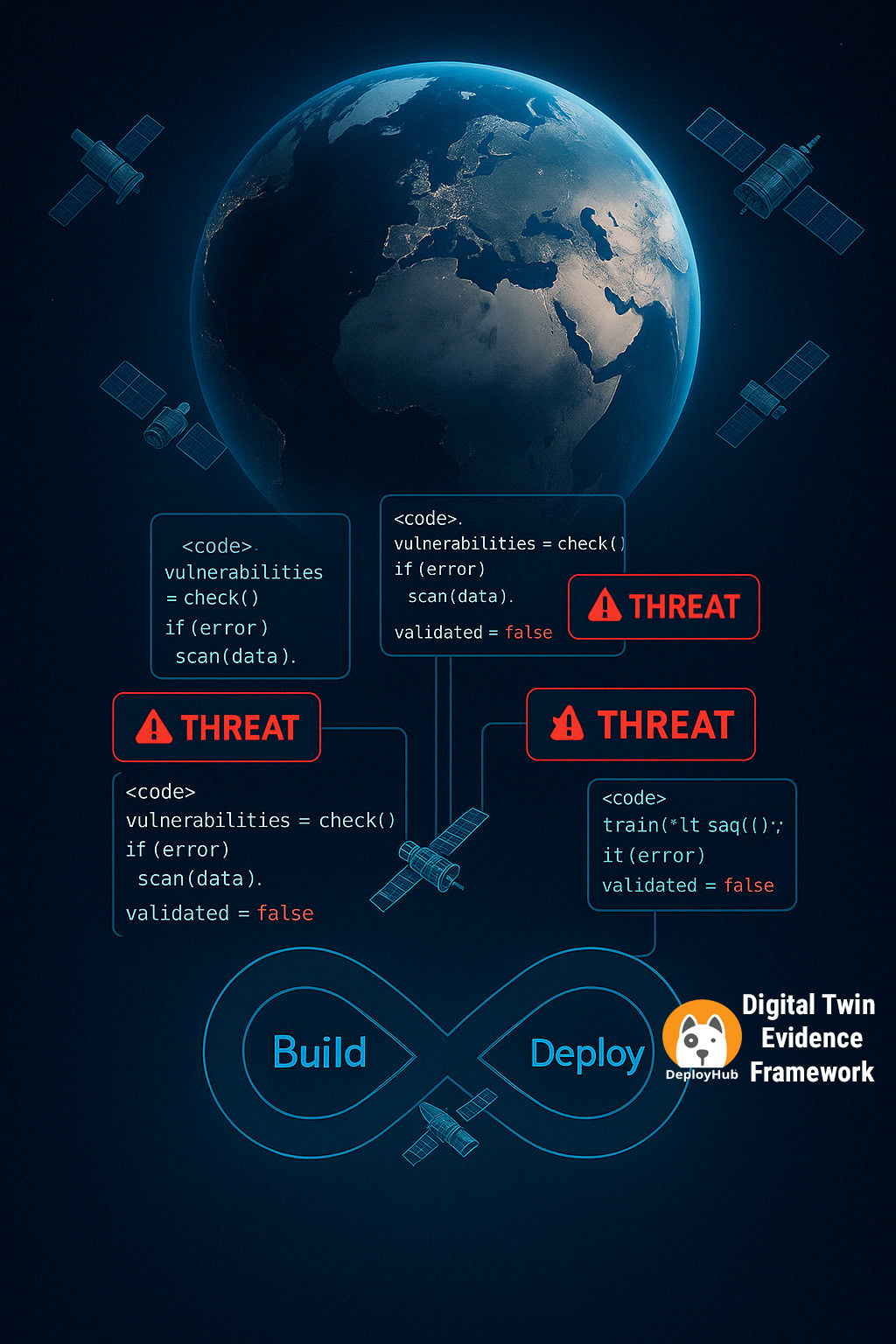

DeployHub captures the security evidence already generated by your software delivery process and turns it into continuous post-deployment vulnerability intelligence.
Rather than deploying endpoint agents or repeatedly scanning production infrastructure, DeployHub builds a software digital twin from DevSecOps evidence.
DeployHub connects SBOMs, Git repositories, builds, Helm charts, GitOps data, applications, environments, and deployment endpoints to maintain a continuously updated view of your software estate.
When a new vulnerability is disclosed, DeployHub can use that evidence to determine whether the affected package is part of deployed software and identify where it is running.
The DeployHub Platform
If you are not already generating an SBOM as part of your DevSecOps Pipeline, DeployHub will do it for you. DeployHub’s integration with Syft can transform your DevOps pipeline to a DevSecOps platform.
DeployHub’s Post-deployment Vulnerability Management can consume CycloneDX formatted SBOMs. If you are already generating SBOMs, you will pass the name of the SBOM results to DeployHub Pro.
DeployHub’s Post-deployment Vulnerability Management can consume any SPDX formatted SBOM. If you are already generating SBOMs, you will pass the name of the SBOM results to DeployHub Pro.
DeployHub uses OSV.Dev to continuously monitor the vulnerabilities of your Components and Applications within your software supply chain. DeployHub scans for new vulnerabilities every 10 minutes turning your DevOps pipeline into a DevSecOps platform that delivers post-deployment vulnerability detection.
DeployHub watches the GitOps repo for new releases, and gathers endpoint deployment metadata to map a release to an endpoint.
You can configure DeployHub to call out to a Git Repo to pull deployable artifacts (binaries, scripts, etc.) as part of your deployment. The process will check out your deployable artifacts based on commit, branch or tag specified.
DeployHub consolidates OpenSSF Scorecard results into a single dashboard, mapping project security scores to applications, services, environments, and owners so teams can quickly identify risk, prioritize fixes, and prove continuous open-source governance.

meet ortelius
DeployHub is built on Ortelius, the open-source foundation for post-deployment vulnerability intelligence. Ortelius connects SBOMs, deployment data, applications, environments, and endpoints so teams of all sizes and budget constraints can determine whether newly disclosed vulnerabilities are actually affecting live systems.
Ortelius is an open-source project incubating at the Continuous Delivery Foundation.